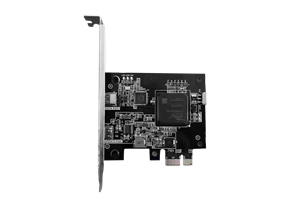
DMA 75T or 100T? A practical buying checklist
Compare DMA 75T and 100T setup requirements: PCIe space, companion computer, firmware, cables and support questions before choosing a card or bundle.
 Vigny DMA
The original five technical articles are currently available in English. The new DMA 75T vs 100T comparison is also available in Japanese, Korean, German, Spanish, Brazilian Portuguese and Arabic.
BEFORE YOU BUY / Vigny DMA
Choose hardware with the complete setup in mind. These articles explain what to verify and what to ask support before ordering. Prices, availability and shipping quotes remain in the live shop and checkout.
Find current models and prices, then check the setup requirements for your exact hardware.
Check exact board revision, firmware support, included parts and total setup cost. Read the comparison in your language:
Compare DMA 75T and 100T setup requirements: PCIe space, companion computer, firmware, cables and support questions before choosing a card or bundle.
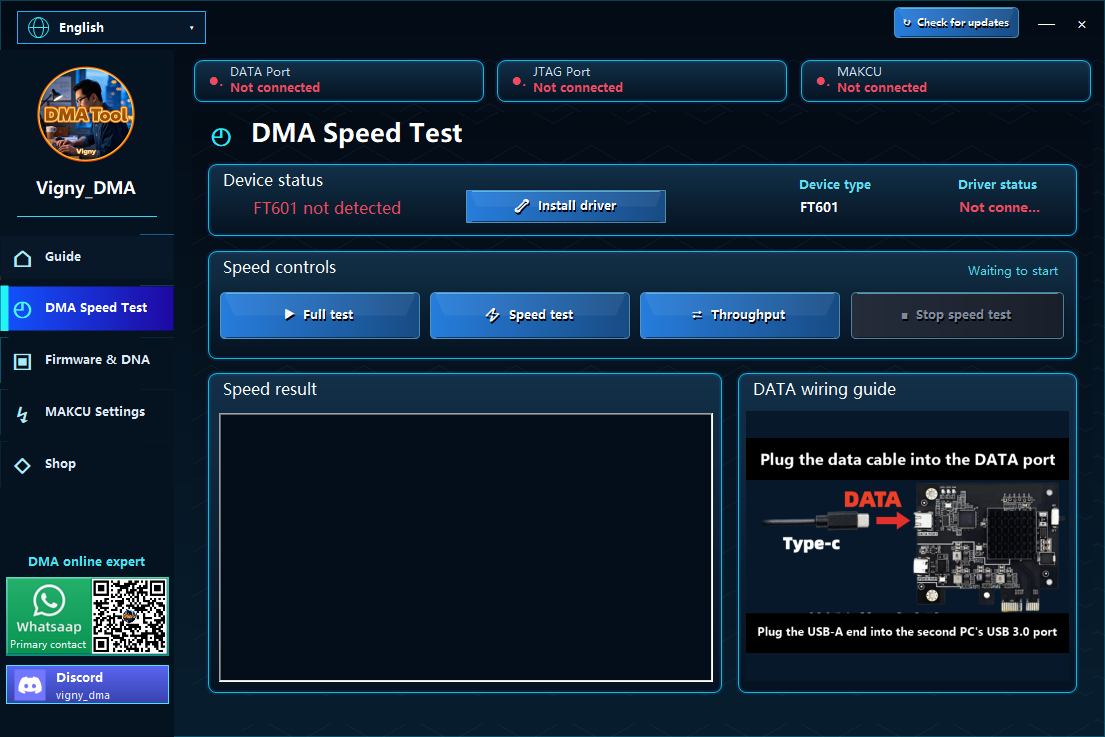
Prepare for DMA installation and a repeatable DMA speed test. Check the computer, ports, cables, drivers and device identity without relying on unverified benchmark claims.
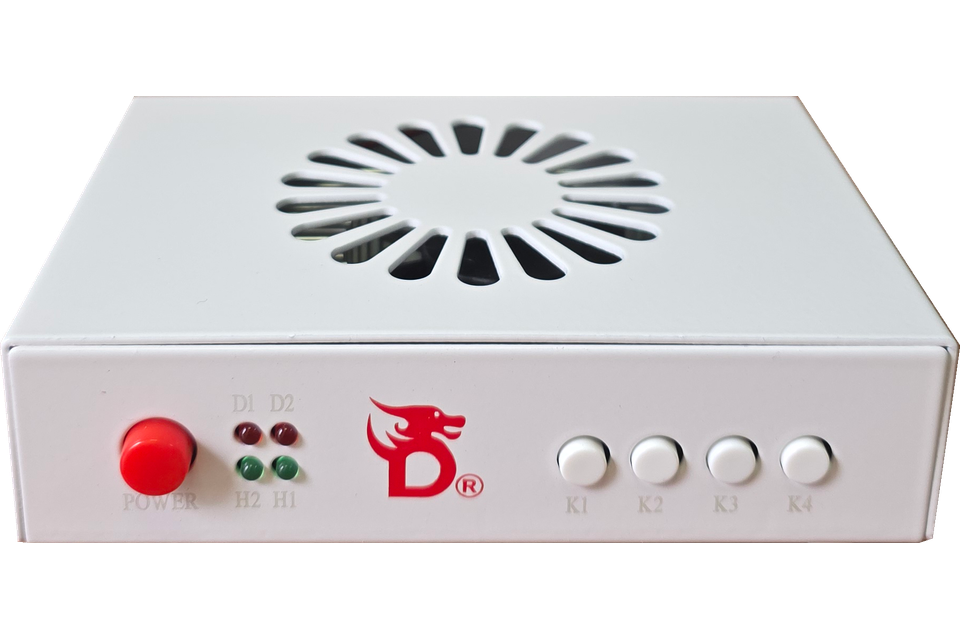
Check an HDMI fuser against your display resolution, refresh rate, source devices, ports, cables and power requirements before selecting a DMA bundle.
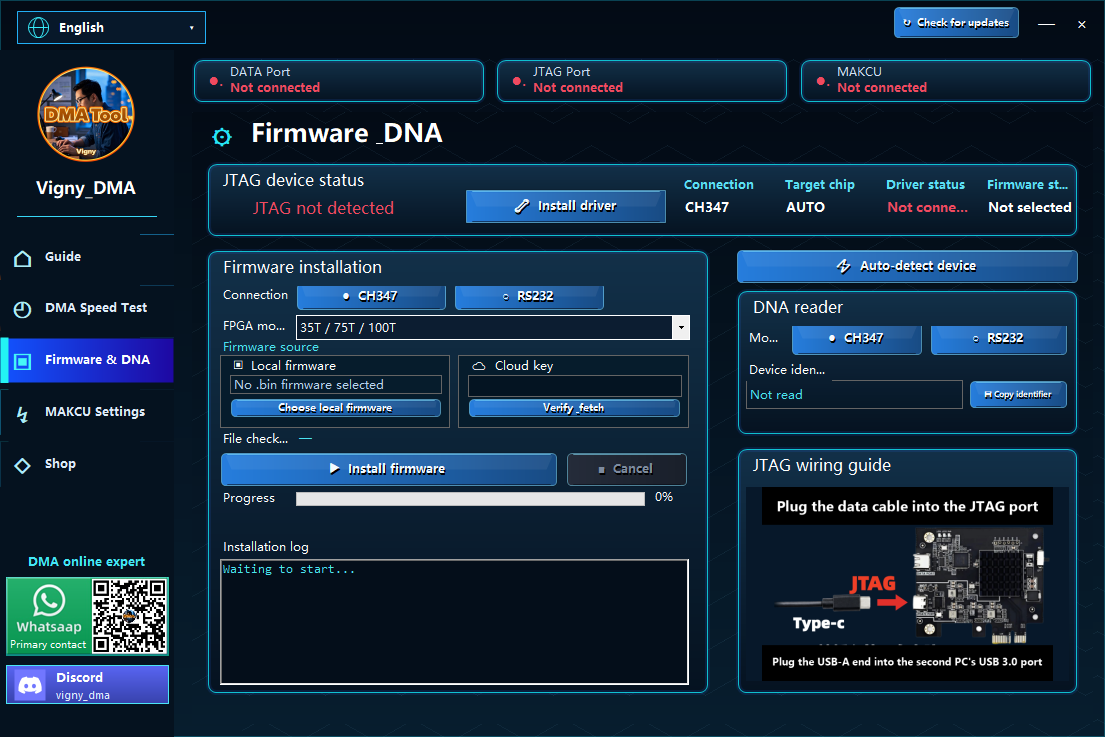
Understand what to confirm before DMA firmware installation: exact board revision, device DNA, authorized firmware source, cloud-key handling and recovery instructions.
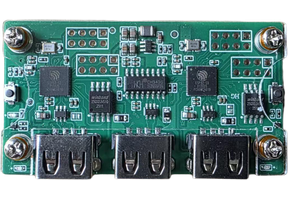
Prepare a MAKCU controller setup: identify the model, USB connections, supported software and firmware, and what to send support if the device is not detected.